The 5 Most Common Mistakes When Installing LED Downlights in Offices and How to Avoid Them


An installer with years of experience in Madrid received an angry call from a client. He had fitted 40 LED downlights in a new office and within a week the employees were already complaining of headaches.

On reviewing the installation he found common mistakes: a 6500K colour temperature that was too cold, an uncertified UGR of 26, and drivers with no flicker specification. He had to strip everything out and reinstall it all. The cost of repeating the work was three times the initial saving on cheap product.

That case sums up why LED office downlight mistakes remain so common. In professional lighting, cheap costs more. This guide covers the five errors that recur in most installations so you do not have to learn the same way.

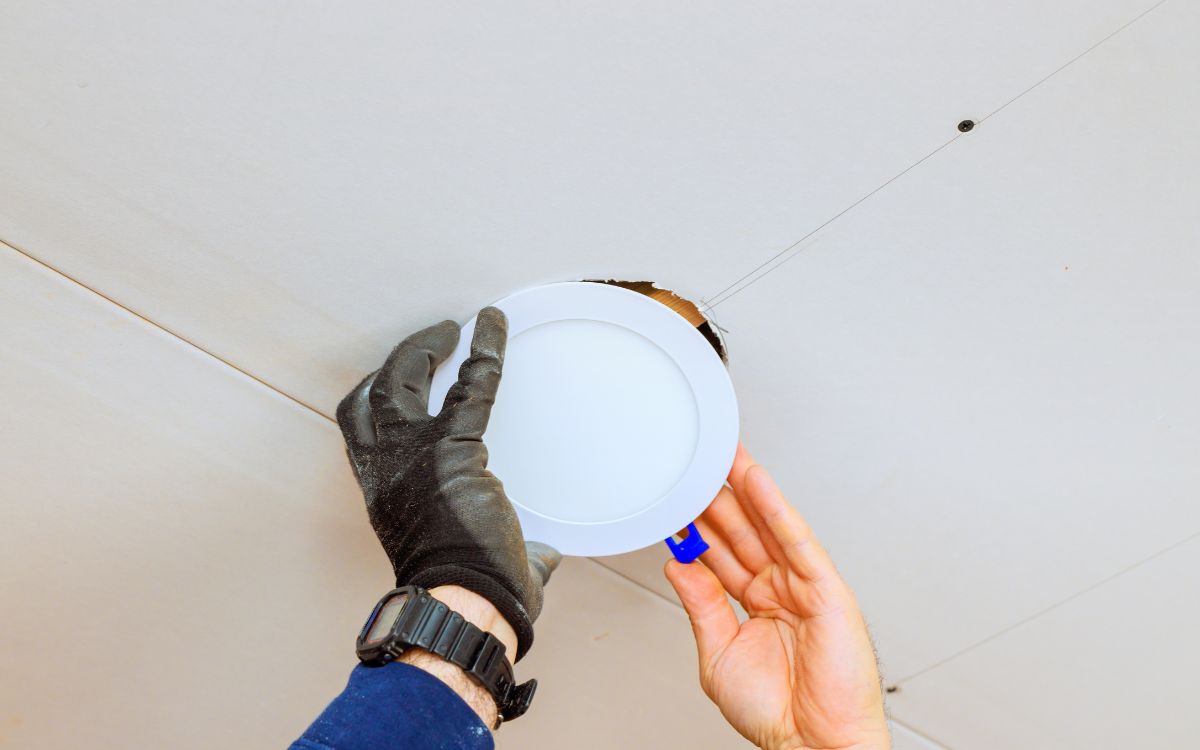
imagen-instalacion-downlight-falla.jpg

Why so many office downlight installations fail

LED downlight installation errors almost always have the same root cause: decisions made without consulting the product data sheet.

What goes wrong when fitting downlights in an office? Usually the wrong colour temperature, an out-of-spec UGR, or a driver without any specifications.

Office lighting has specific technical requirements that do not apply in residential settings. Standard EN 12464-1 sets minimum illuminance levels, glare limits, and colour rendering requirements. When those specifications are ignored and product is chosen on price alone, the usual result is an installation that has to be done again.

Knowing how to avoid LED downlight mistakes starts here: in the documentation, before opening up the ceiling.

The real cost of a poor lighting installation

A badly installed LED downlight in an office does not just generate complaints from workers. Reinstalling 40 light points means labour costs, materials, and time during which the space cannot be used.

In an illustrative example with those 40 light points, the cost of the second installation can easily exceed 2,000 euros between materials and hours. The initial saving from choosing a cheaper product rarely reaches 300 euros. The difference is paid by the installer.

Mistake 1 - Choosing the wrong colour temperature

A 4000K colour temperature for offices is the standard the regulations recommend for prolonged workspaces. Yet some installations use 6500K because the light appears brighter, or 2700K because the client confuses an office with a rest area. Both options cause different problems.

Why cool white is not always better for working

A LED downlight with the wrong colour temperature for an office affects alertness and visual comfort. Light at 6500K, the coldest, activates the circadian system more intensely.

It may be useful in industrial environments or operating theatres, but in a standard office it tends to cause fatigue by mid-afternoon. Below 3000K, the atmosphere is too warm for concentration. The most common complaint in installations with the wrong temperature is drowsiness before midday or general irritability.

Recommended colour temperature for offices

Temperature Atmosphere Recommended office use
2700-3000K Warm white Rest areas, reception
3500-4000K Neutral white Standard workstations
5000-6500K Cool white Production, warehouse, operating theatre

For most offices, 4000K is the correct value. If the project combines workstations with informal meeting areas, 3500K is a valid alternative for the latter. Alongside colour temperature, also verify the minimum CRI for work spaces. Standard offices require CRI ≥ 80, and CRI ≥ 90 in spaces with high visual demands such as design studios or quality control areas.

Mistake 2 - Ignoring UGR and causing glare

The UGR screen glare problem is the most common in offices with computers. When the UGR value is too high, screens reflect the light source and the user ends up tilting the monitor and straining their posture. The LED downlight screen glare error goes unnoticed at the time of installation and shows up on the first working day.

What UGR you need depending on the type of work

Standard EN 12464 sets the threshold at UGR ≤ 19 for workstations with screens. An LED downlight with incorrect UGR for work, for example one with an uncertified UGR of 26, exceeds that limit and generates glare complaints within days. This is not a subjective parameter: a UGR of 25 in a computer office workspace fails the standard.

Type of space Maximum recommended UGR
Computer office ≤ 19
Meeting room ≤ 22
Archive, storage ≤ 25
Circulation area ≤ 28

How to identify downlights with certified UGR

The value must appear explicitly in the product data sheet, not as an estimate but as a measured figure. Be wary of data sheets that only state "low UGR" without specifying the number. The Osram downlights with certified UGR in the Icilux catalogue include this figure in the technical documentation, making verification immediate.

Mistake 3 - Miscalculating the spacing between downlights

Uniform light distribution depends on light points being properly spaced. Office ceiling downlight layout is one of the parameters most often improvised and one of those that most affects the final result. Too far apart, they leave dark areas. Too close together, they create excess lighting in some areas and waste energy.

Simple formula for distributing downlights evenly

For a standard downlight with a 90-120° beam angle, the usual rule is:

Spacing between downlights = 0.8 × mounting height

In an office with a 2.7m ceiling, the recommended spacing between light points is around 2.1-2.2m. In spaces with higher ceilings (3m or more), it is advisable to use wider-beam downlights or increase the wattage per point.

This formula is a simplified calculation reference. For projects with specific minimum lux requirements at workstations, it is worth validating with lighting simulation software.

Consequences of dark areas in an office

LED downlights spaced too far apart in an office, that is, with distances above the recommended figure, creates lighting gradients that force the eye to adapt constantly. The result is visual fatigue, even if the worker does not directly connect it to the lighting. Furthermore, areas with fewer than 300 lux fail the minimum lux requirements at workstations set by standard EN 12464 for standard office tasks.

Mistake 4 - Using a low-quality driver

The driver is the electronic component that powers the LED lamp and controls the current. Driver flicker is the invisible problem in many installations: the eye does not detect the oscillation, but the nervous system does.

Flicker and visual fatigue: the invisible problem

Flicker in LED luminaires occurs when the driver does not filter current ripple properly. At frequencies of 100-120Hz, the flicker is imperceptible consciously but causes migraines, eye irritation, and loss of concentration with prolonged exposure. An LED downlight without a quality driver can have a flicker index of 30-40%, while a quality driver stays below 5-8%.

How to recognise a quality driver in the data sheet

Look for these parameters in the data sheet:

  • Flicker index: below 0.1 is acceptable; below 0.05 is correct for office use
  • Ripple factor: less than 10% at full load
  • Certifications: CE marking with declared power module, ENEC where applicable
  • Compatibility with DALI or 0-10V if the project includes office intensity dimming

A driver without these specifications in the data sheet gives no guarantee about its actual behaviour.

Mistake 5 - Not planning for intensity dimming

Office intensity dimming is not a luxury reserved for high-end buildings. It is a comfort measure that pays for itself quickly in energy savings. In many projects, it is required to comply with building energy efficiency regulations.

Why dimming improves comfort and reduces consumption

An office does not need the same lighting at 9:00am with the sun out as it does at 6:00pm in January. Without dimming, the system runs at 100% continuously. With an active dimming system, consumption can be reduced by between 20% and 40% depending on the area and time of day. Workers who can adjust their lighting report greater comfort in visual ergonomics studies.

Dimmable downlights compatible with dimmers

Not all LED downlights support dimming. For projects where dimmers are planned, the driver must be compatible with the chosen control protocol: TRIAC, DALI, or 0-10V. Verifying compatibility before installation is critical.

An LED downlight for computer workstations without a dimmable driver connected to a dimmer can flicker, reduce its service life, or simply not work at all. The data sheet must state the dimming range and compatible protocols.

Frequently asked questions about fitting downlights in offices

What colour temperature is best for an office with computers?

4000K. It provides a neutral white light that promotes concentration without disrupting the circadian cycle the way a cooler temperature would.

How many downlights do I need to light a 30 m² office?

How many downlights I need for an office depends on the product wattage and the ceiling height. With 18-24W downlights and a 2.7m ceiling, a 30 m² office requires between 8 and 12 units to reach 500 lux. The exact figure requires a lighting calculation.

What UGR should I require for my office downlights?

UGR ≤ 19 for any workstation with a screen. That is the limit set by standard EN 12464-1.

How do I know if the flicker from my downlights is causing visual fatigue?

If workers report headaches or eye irritation with no other apparent cause, and the installation uses drivers with no flicker specification. You can check by filming the luminaires with a smartphone camera in slow-motion mode: if dark bands appear, the flicker is detectable.

Can I dim any LED downlight?

No. Connecting a non-dimmable downlight to a dimmer can damage the driver or cause flickering. Always verify compatibility in the data sheet before specifying the product.

What cut-out diameter do I need for a 24W downlight?

The ceiling cut-out diameter depends on the model, not the wattage. Fitting an LED downlight without the correct cut-out is a common office LED lighting mistake that means filling in the suspended ceiling or changing the product.

A 24W downlight can require anything from 150mm to 205mm depending on the manufacturer. The applicable standard at this point is UNE-EN 60598 for luminaire classification and mounting. Always check the data sheet before opening up the ceiling.

See the catalogue of Osram downlights with certified UGR available at Icilux for your next project.

 
Posted in: Sample Category

Leave a comment

★
★
★
★
★
Security code
Blog navigation

Latest posts

Outdoor Lighting Trends for Summer 2025: What's In This Year

This summer's outdoor lighting trends bet on less light, better distributed and with more personality. We review six...

Read more
LED Lighting for Sports Facilities: Regulations and Professional Solutions

LED lighting for sports facilities requires uniformity, low glare and compliance with the UNE-EN 12193 standard. This...
Read more
European Energy Efficiency Regulations in LED Lighting: What You Need to Know in 2025

European energy efficiency regulations changed the rules for professional LED lighting. This guide summarises which...
Read more
RGB and CCT LED Controllers: What They Are, How They Work and Which One You Need

RGB and CCT LED controllers are the piece that decides the colour, brightness and temperature of your LED strip. We...

Read more
The 8 Best Selling LED Luminaires for Commercial Premises and Why They Work

Guide to LED luminaires for commercial premises with the eight models installers repeat most in shops and businesses,...

Read more